Type it.
Watch it move.
A prompt or a still becomes film with sound. Kling, Veo, Seedance and Sora behind one box — Katama picks the right model and gets you a great shot, not a gamble.
Real shots, generated. Hover any for sound.
Browse the gallery →Every top video model — and the one that fits.
44+ models, one canvas
Kling 3.0, Veo, Seedance, Sora and more — without juggling ten apps.
Smart routing
Katama picks the right model for the shot so you don't gamble credits on the wrong one.
Image to video
Animate any picture — turn a product shot or a still into motion.
Motion control
Camera moves, gestures and timing you can actually direct.
Sound built in
Voice, music and effects — the clip comes out finished.
Batch
Spin up variations and keep the winners.
Type it, watch it move.
A prompt becomes a finished shot with sound. Describe the scene and Katama hands you film, not a frozen frame.
- ✓Text to film with audio
- ✓Any aspect ratio
- ✓A usable shot, first try
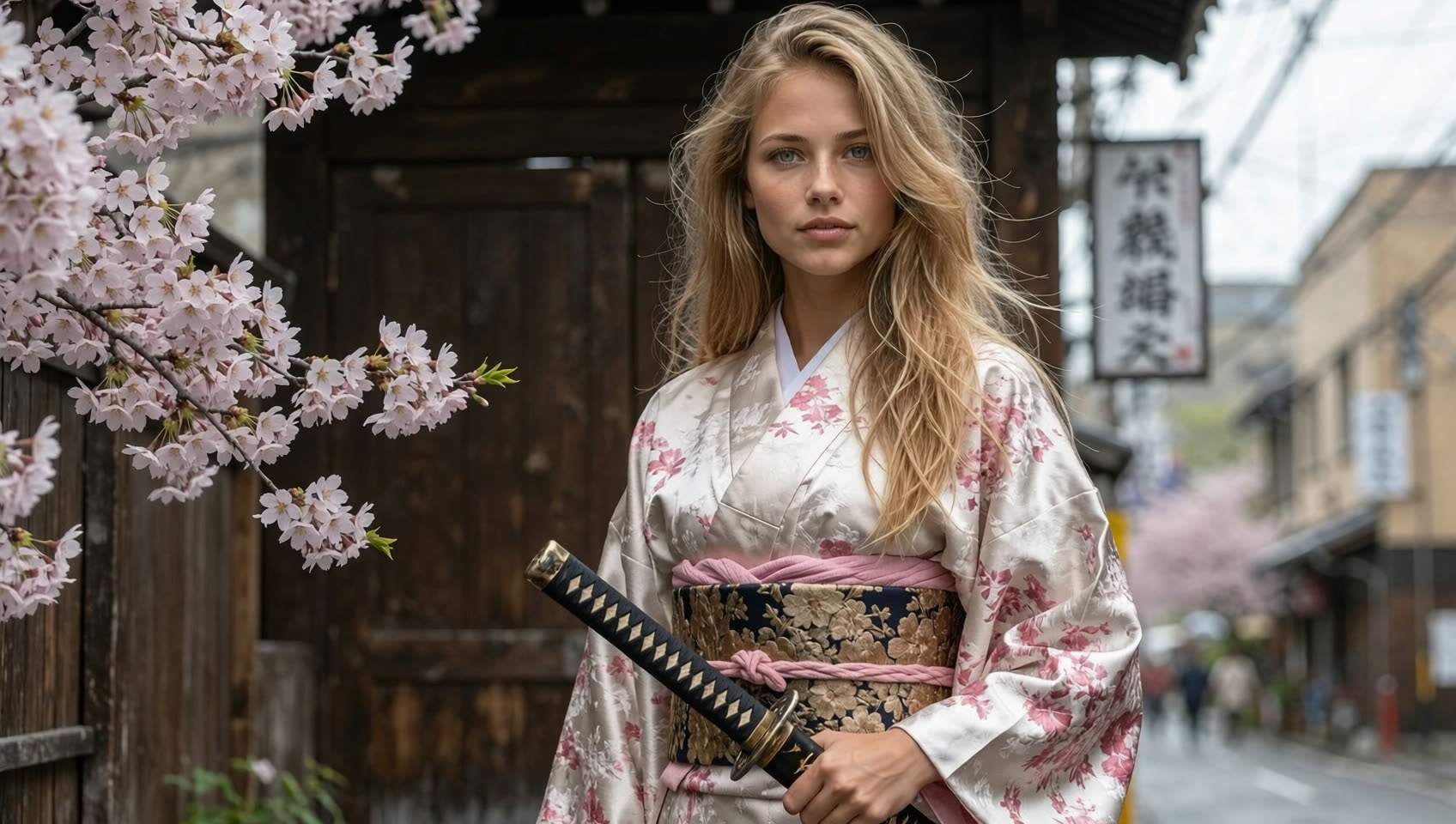
Animate any still.
Turn a product photo or a flat image into motion — bring a whole catalog of stills to life in an afternoon.
- ✓Image to video
- ✓Product shots into ads
- ✓Keep your exact subject
Smart routing picks the model.
Kling, Veo, Seedance and Sora behind one box — Katama chooses the right one for your shot so you stop burning credits on the wrong model.
- ✓44+ models, one canvas
- ✓No wasted credits on bad rolls
- ✓Motion control you can direct
A prompt to a shot that works in three steps.
Prompt or still
Type a description or drop an image you want to animate.
Pick or route
Choose a look, or let Katama route to the best model and settings.
Get the shot
A finished clip with sound, in any format, ready to post.
Before → after
Drag the slider — your prompt’s result, then polished in one click.






A prompt to a shot that works.
No more rolling the dice on a raw model. Describe it, and get a usable clip with the right model behind it.
Describe
A prompt or drop a still image.
Route
Katama picks the best model + settings.
Get the shot
With sound, in any format, ready to post.
The credit cost is shown from the same source that charges you — no surprise on the bill.
Animate a flat product photo into a clip without re-shooting it.
Kling, Veo, Seedance and Sora behind one interface instead of ten tabs.
Video questions, answered.
Which models can I use?
30+ in one box — Kling 3.0, Veo, Seedance, Sora and more — without juggling separate apps or subscriptions.
What is smart routing?
Katama picks the right model and settings for your shot, so you get a usable clip instead of gambling credits on the wrong one.
Can I animate an image?
Yes — image-to-video turns any still, like a product photo, into motion while keeping your exact subject.
Do the clips have sound?
Yes. Voice, music and effects are built in, so the clip comes out finished, not silent.
Is it free to start?
Yes — 3 test-model videos free, no card. Scale on the premium models when you're ready.
What formats can I export?
16:9, 9:16 and 1:1, in resolutions that fit wherever the clip will live.
Make it move — with the right model behind it.
Every leading video model, one interface, the right pick every time. Test free, scale on the premium models.