Make it with Shishō
Type your idea — Shishō builds it and drops you straight into the studio.
See it happen
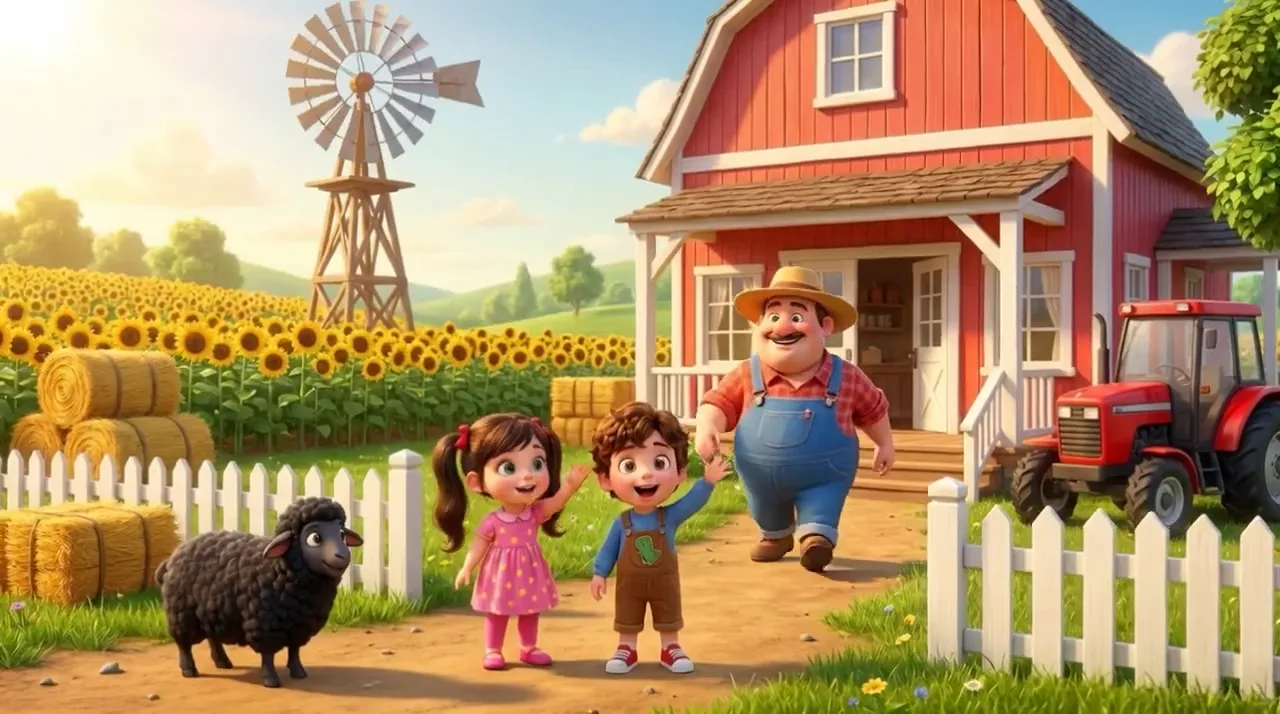
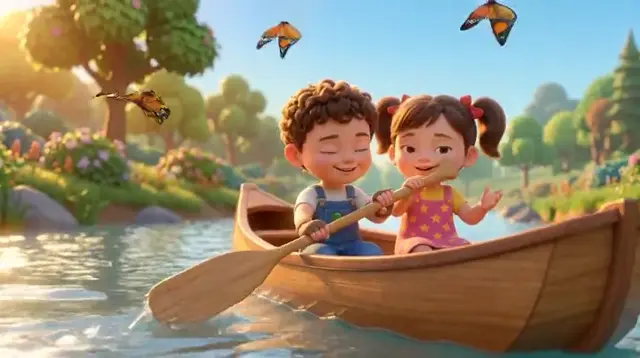
Scroll and watch a still image morph into a playing clip — the same jump Katama makes from a prompt to a finished scene.
What it is
Katama turns a single story prompt into a finished story video. You describe the tale — a brave little fox, a robot who learns to fly, an anime hero's first quest — and Katama generates it as a sequence: video one sets the scene, video two continues it, and the story flows on, keeping the characters and world consistent. Then it auto-edits the whole thing — transitions, cuts, pacing — and layers in music and character voices. The result is a complete kids or anime story video with no editor required. And because every scene stays yours, you can reorder them, swap a shot, redo a line, or extend the story whenever you like. This is story-video creation, not a lesson: the goal is a beautiful, watchable tale, start to finish.
How it works
- 01
Tell the story
Write the story in plain words — the hero, the world, the adventure. Katama plans it into scenes so it plays like a real short film.
- 02
It continues itself, scene by scene
Katama generates scene one, then continues into scene two, three and on — keeping the characters and setting consistent so the story actually flows.
- 03
Rearrange and refine (optional)
Every scene stays editable. Reorder them, redo a shot, extend the tale or leave it exactly as generated — you're in control, but nothing is required.
- 04
Auto-edited with music & voices
Transitions, cuts and pacing are applied automatically, then narration, character voices and a soundtrack are layered on — all tuned by Shishō.
Why creators choose it
Frequently asked
Do I have to edit anything?
No. Katama auto-edits the whole story video — transitions, cuts, pacing, music and voices — so you get a finished video from a single prompt. If you want to, you can still rearrange scenes, redo a shot or extend the story.
How does the story continue across scenes?
Katama plans your prompt into scenes, then continues from one video to the next, carrying the characters and world forward so the tale flows instead of feeling like disconnected clips.
Is this for teaching kids?
No — this is story-video creation, not a lesson. The goal is a beautiful, watchable kids or anime story: a real short film from a prompt, with music and voices, that you can share.
Can I add music and voices for the characters?
Yes. Narration, distinct character voices and a soundtrack are added automatically and optimized by Shishō, and you can swap or redo any of them.