Seedance 2.0 Prompt Structure: A Deep Dive
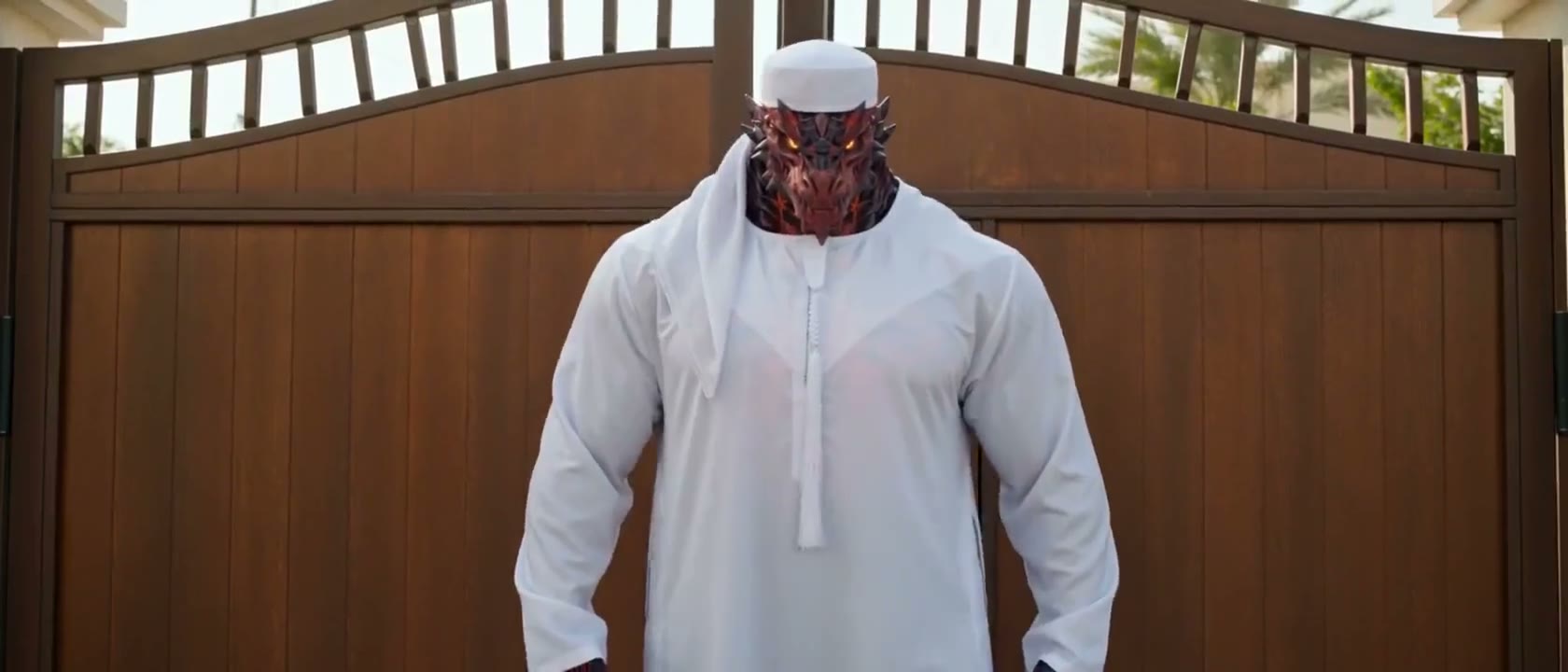
Most creators use Seedance 2.0 with the same intuitive, natural-language prompt style they'd use with a chatbot. This approach works — but it leaves substantial quality on the table. Seedance 2.0 has a distinct prompt architecture that, when understood and applied systematically, produces dramatically more consistent, higher-quality output than natural language prompting alone.
This deep dive unpacks everything we know about how Seedance 2.0 processes prompts, including the optimal structure, the most impactful descriptors, common mistakes that degrade output, and advanced techniques for controlling specific model behaviors.
The Seedance 2.0 Prompt Architecture
Priority Zones and Processing Order
Seedance 2.0 processes prompts with a weighted priority system that broadly maps to position: elements described at the beginning of the prompt receive higher "attention weight" during generation. This means the first 20-30 words have disproportionate influence on the output compared to later sections. Camera movement and primary subject should always lead — they establish the visual anchor that everything else builds around.
The model's processing also appears to organize around clusters of related concepts rather than linear word order. "Cinematic, film grain, shallow depth of field, anamorphic lens" form a cluster that activates the model's cinematographic quality mechanisms together, even if separated by subject descriptions. Understanding this cluster logic allows you to deliberately invoke specific capability areas.
Seedance 2.0 optimized structure example: [CAMERA: Slow aerial drone shot descending] [SUBJECT: through a misty Scottish highland valley at dawn] [LIGHTING: first light of sunrise painting peaks gold against purple shadow valleys] [TEXTURE: morning fog in layers at multiple depths, dewy heather closeups visible] [GRADE: muted natural color palette, Nick Laverene nature documentary photography] [QUALITY: 8K ultra-detailed, RAW format aesthetic, Nikon Z9 sharpness]
Negative Space in Prompting
Seedance 2.0 benefits significantly from explicit exclusion language, more so than most other models. When you know what you don't want — artificial-looking light sources, unrealistic color saturation, overly smooth uncanny motion — stating these exclusions reduces their probability of appearance. Append exclusion clauses at the end of prompts: "avoid artificial studio lighting, avoid oversaturated colors, avoid mechanical unnatural motion."
| Model | Length | Resolution | Aspect ratios | Native audio |
|---|---|---|---|---|
| Seedance 2.0 Cinematic style | 4–15s | 480p, 720p, 1080p | 16:9 · 9:16 · 1:1 · 4:3 · 21:9 | Yes |
Live from the Katama catalogue. Current credit costs are on the pricing page — they change with the app, not with this article.
Descriptor Categories and Impact Ranking
High-Impact Descriptor Categories
Through systematic testing, we've identified the descriptor categories that most dramatically influence Seedance 2.0's output quality, ranked by impact. Camera movement specifications have the highest impact, followed by lighting descriptors, then color grade references, then texture and material details, and finally general quality terms. This ranking should guide your prompt construction priorities when working within word count constraints.
Cinematographer and director name-dropping is highly effective in Seedance 2.0 — more so than in Kling 2.0 or Veo 3. Names like Roger Deakins, Emmanuel Lubezki, Hoyte van Hoytema, and Wong Kar-wai invoke recognizable visual styles that the model has clearly absorbed from extensive cinematography reference material. These named references are often worth 3-4 generic quality descriptors in terms of output impact.
High-impact prompt demonstration: Emmanuel Lubezki-style one-shot aesthetic, camera floating weightlessly through a Mexican Day of the Dead celebration at night, marigold petals and candle smoke drifting through frame, warm amber candlelight as only light source, camera weaving between revelers without cut, Gravity and Birdman cinematographic fluidity, magic hour to night transition, film grain texture, no artificial lighting, deeply atmospheric
Advanced Control Techniques
Style Injection and Blending
Seedance 2.0 responds well to style blending when executed with precise language. Rather than simply naming two styles ("Ghibli meets Blade Runner"), describe the specific elements from each source you want to combine: "Ghibli's warm environmental texturing and sense of wonder applied to Blade Runner 2049's neon-soaked rain-slick streets." This specificity tells the model exactly which attributes to carry from each reference rather than leaving it to interpret a vague synthesis.
Temporal style injection — changing style partway through a clip — is limited in Seedance 2.0 but possible for gentle transitions. Describe it as gradual environmental transformation: "beginning in the warm natural tones of golden hour, gradually transitioning to cool blue moonlight as the scene progresses." The model handles smooth aesthetic transitions better than abrupt style changes.
- Lead every prompt with camera movement and primary subject to leverage priority zone weighting
- Use descriptor clusters to activate related capability areas as a group
- Include explicit exclusion language at prompt end to reduce unwanted elements
- Cinematographer name-drops are high-value: Deakins, Lubezki, Hoytema, Wong Kar-wai
- For style blending, specify which attributes to take from each reference — not just the names
- Test systematically: change one variable at a time to isolate what's driving quality improvement
Deep prompt engineering for Seedance 2.0 is a skill that compounds with practice. Each generation teaches you something about how the model responds to specific language patterns. Keep a prompt journal, note what worked and why, and build your personal library of high-impact descriptor clusters. The difference between a casual Seedance 2.0 user and an expert one is entirely in this accumulated prompt knowledge.